Automating Cart Busywork
Two Chrome extensions, designed and built with Claude Code, that turned account reps' slowest tasks into a few clicks.
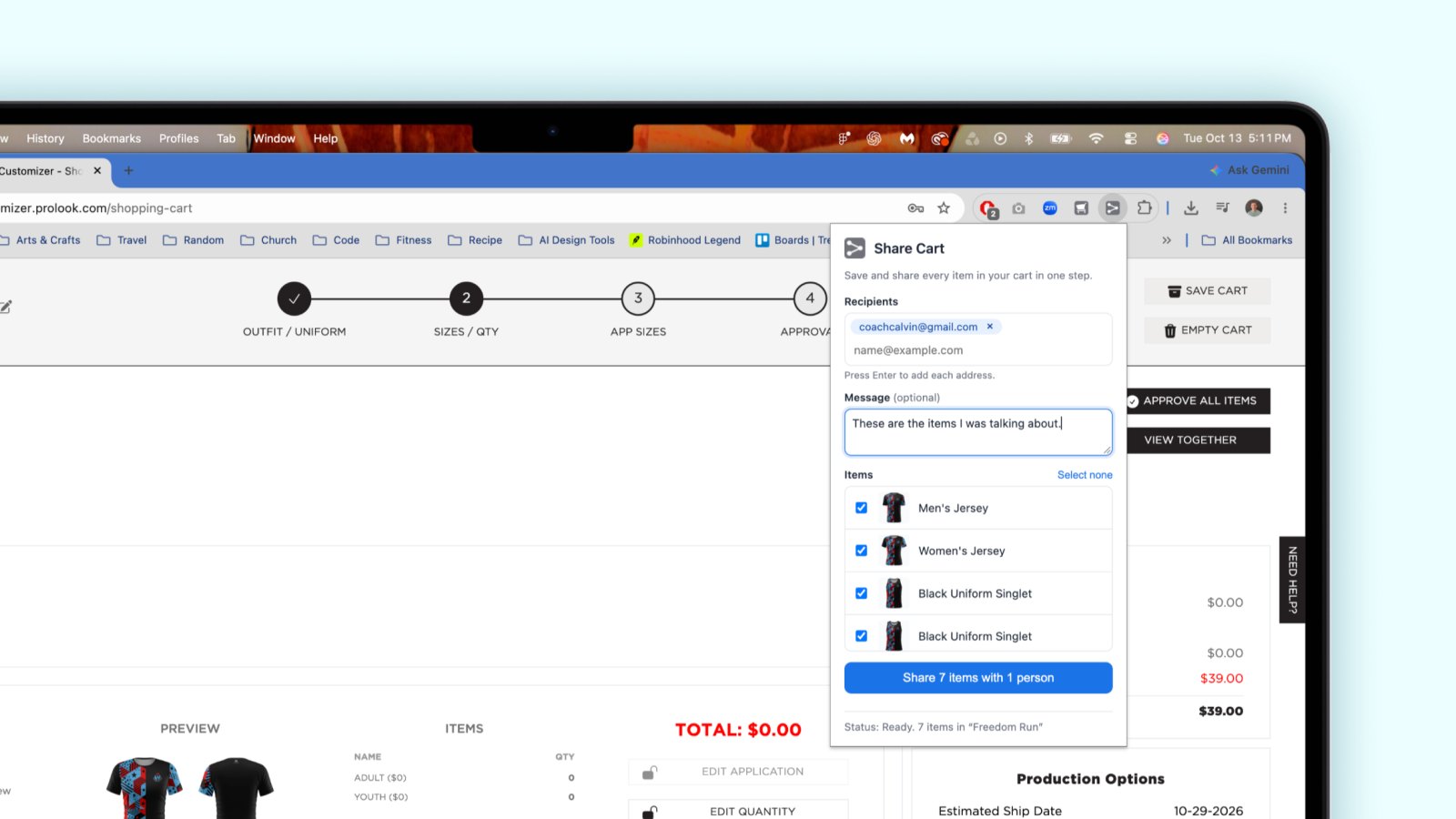
- Over 99% faster Downloading a 30–40 item project (4 hours to under a minute) Rep estimate
- 92% faster Sharing a 5 item cart (6 minutes to 30 seconds) Pilot with 2 reps
- 12 sites Branded customizer sites, across all client brands
The problem
At Prolook, account reps served client brands across 12 branded customizer sites. Two everyday chores ate their time: getting design images out of a cart, and sharing a cart with a customer. Both meant repeating the same clicks for every item, and large projects had dozens of items.
My role
I was the in-house lead designer and also the project and product manager. I spotted the problem myself. Development resources were committed to larger products, so I designed and built both tools as Chrome extensions using Claude Code.
Extension 1: Cart Downloader
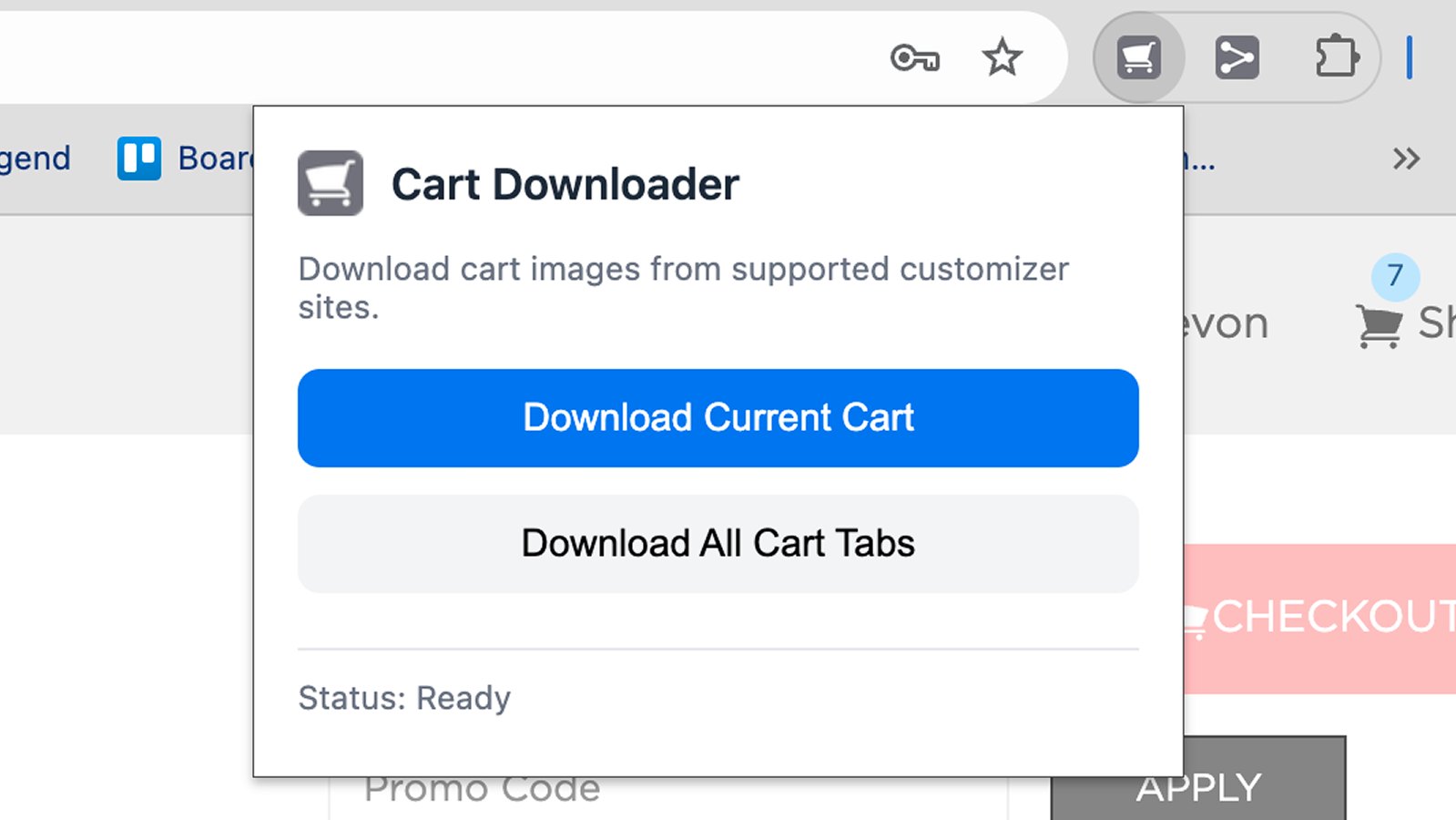
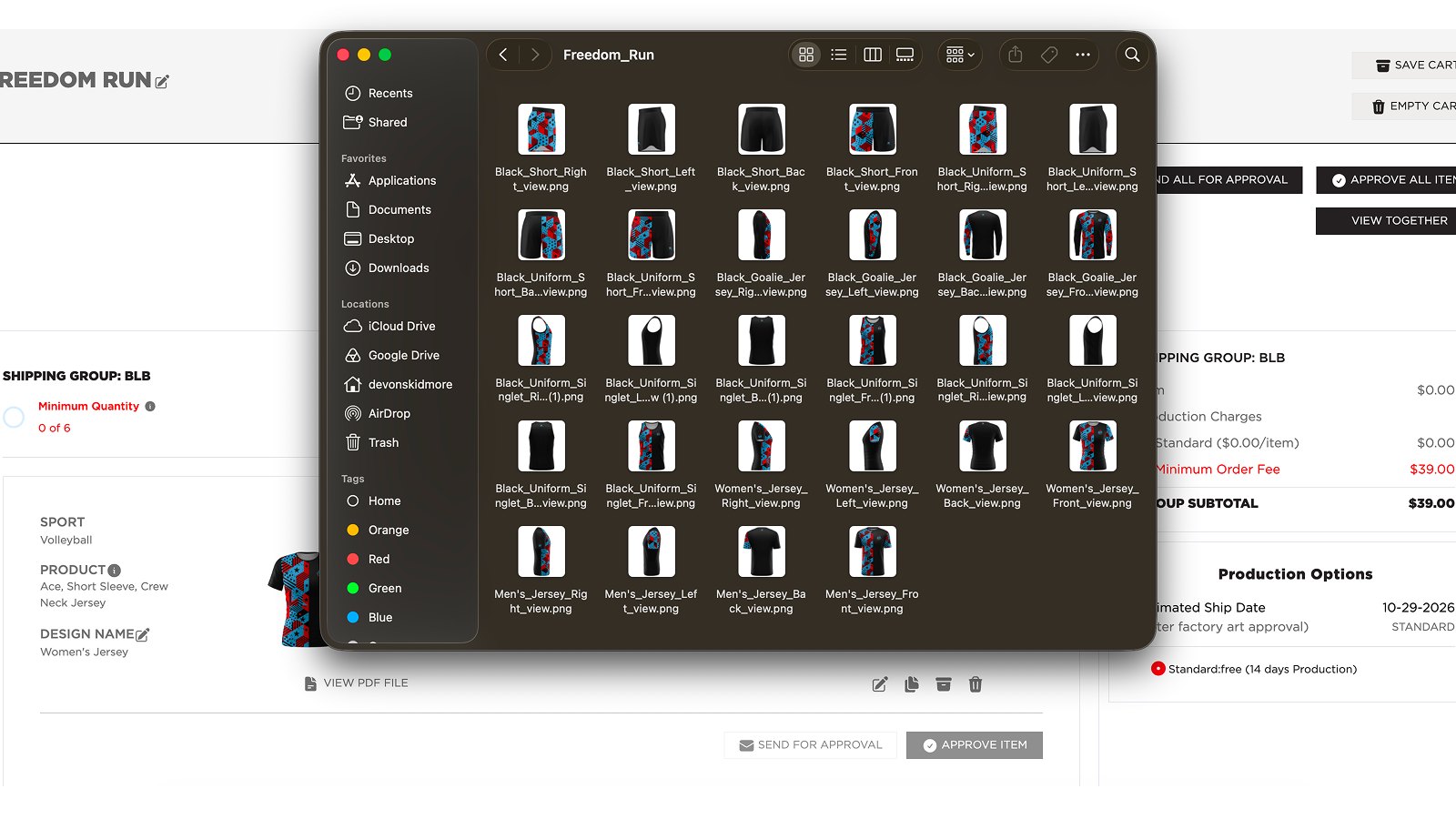
It started as a bookmarklet I made for my own work, downloading one item at a time. The reps needed more: a whole cart of items that had been shared with them. So it became a cart downloader, and I adopted the file naming structure they already used.
Their workflow was to open a cart, download it, and move on to the next. With the extension, they could open several carts and download them all at once.
Up to four hours of manual downloading became less than a minute.
Extension 2: Share Cart
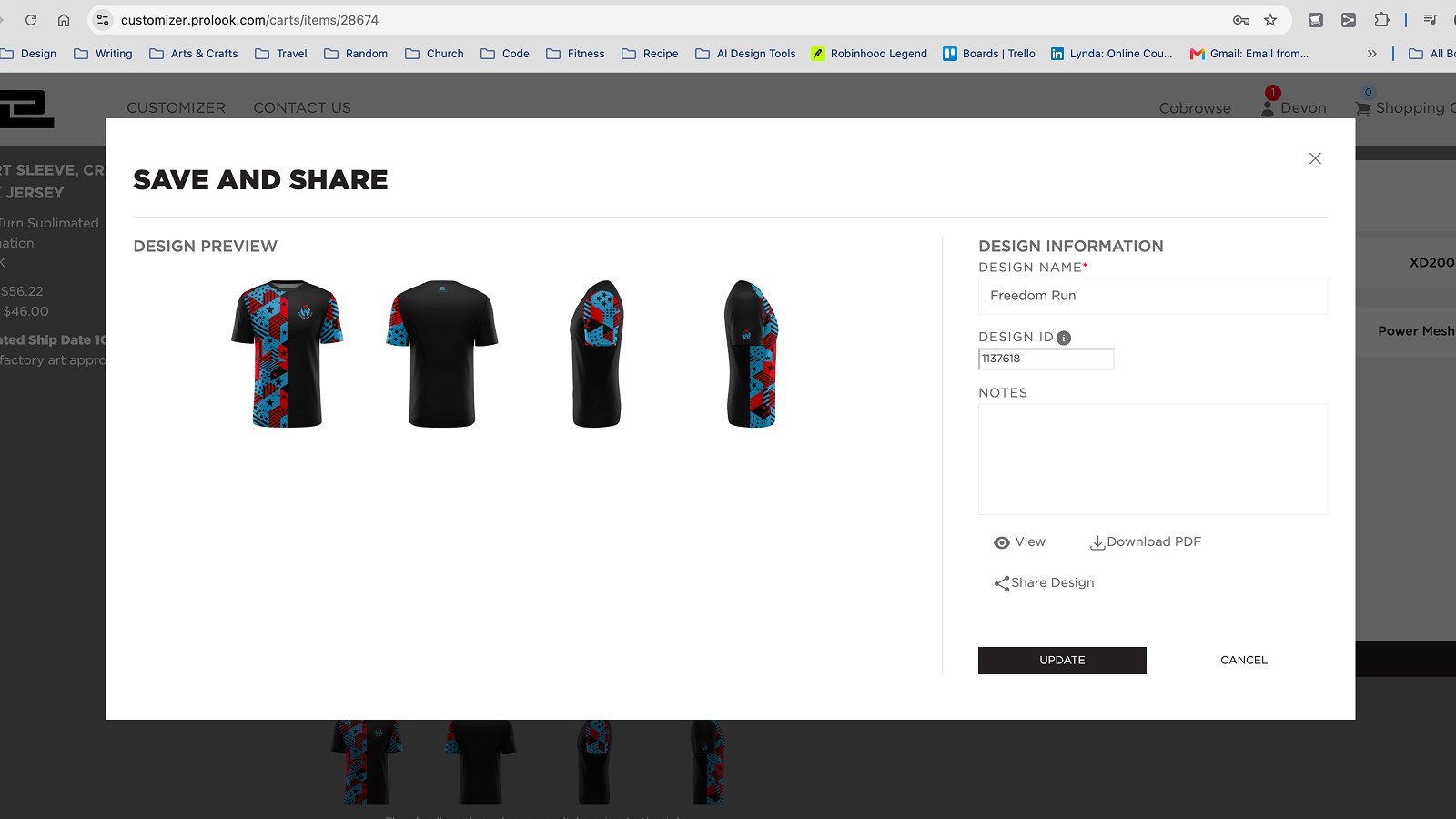
Sharing a cart was another time-consuming task, so I had a rep walk me through the process. It took eight steps per item, repeated for every item in the cart.
- Open item in the designer
- Wait for it to load
- Open save and share
- Save as new design
- Change to share
- Enter email and notes
- Send
- Reload the cart
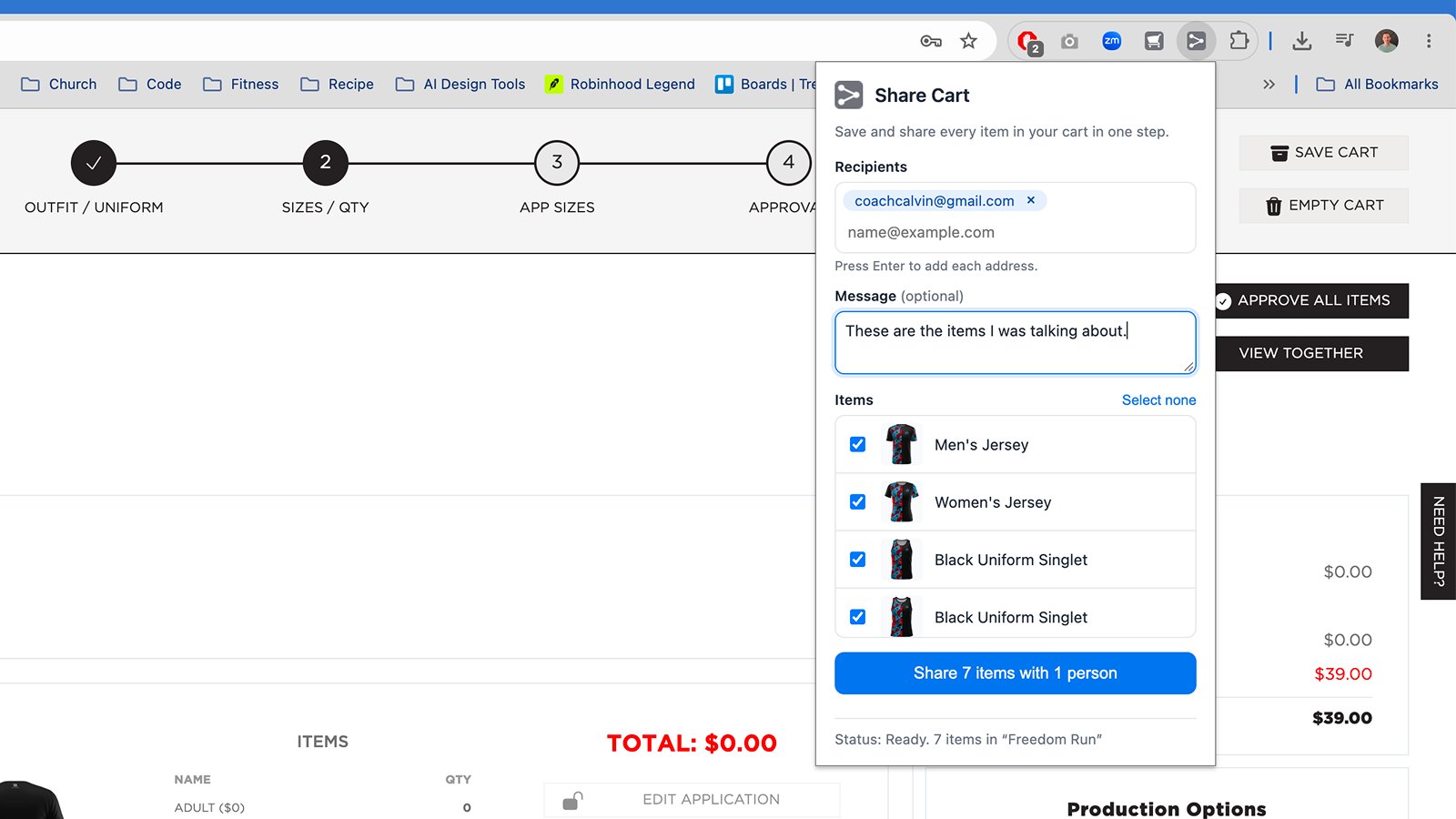
In a pilot with two reps, a 5 item cart went from 6 minutes to 30 seconds.
Where it led
Both extensions were short-term fixes, and both proved the need. Share Cart is on the roadmap for design.
I incorporated an upgraded image downloader into another project that was in staging. The upgrade includes multiple views as one image, which was the main piece of feedback I received on the extension.
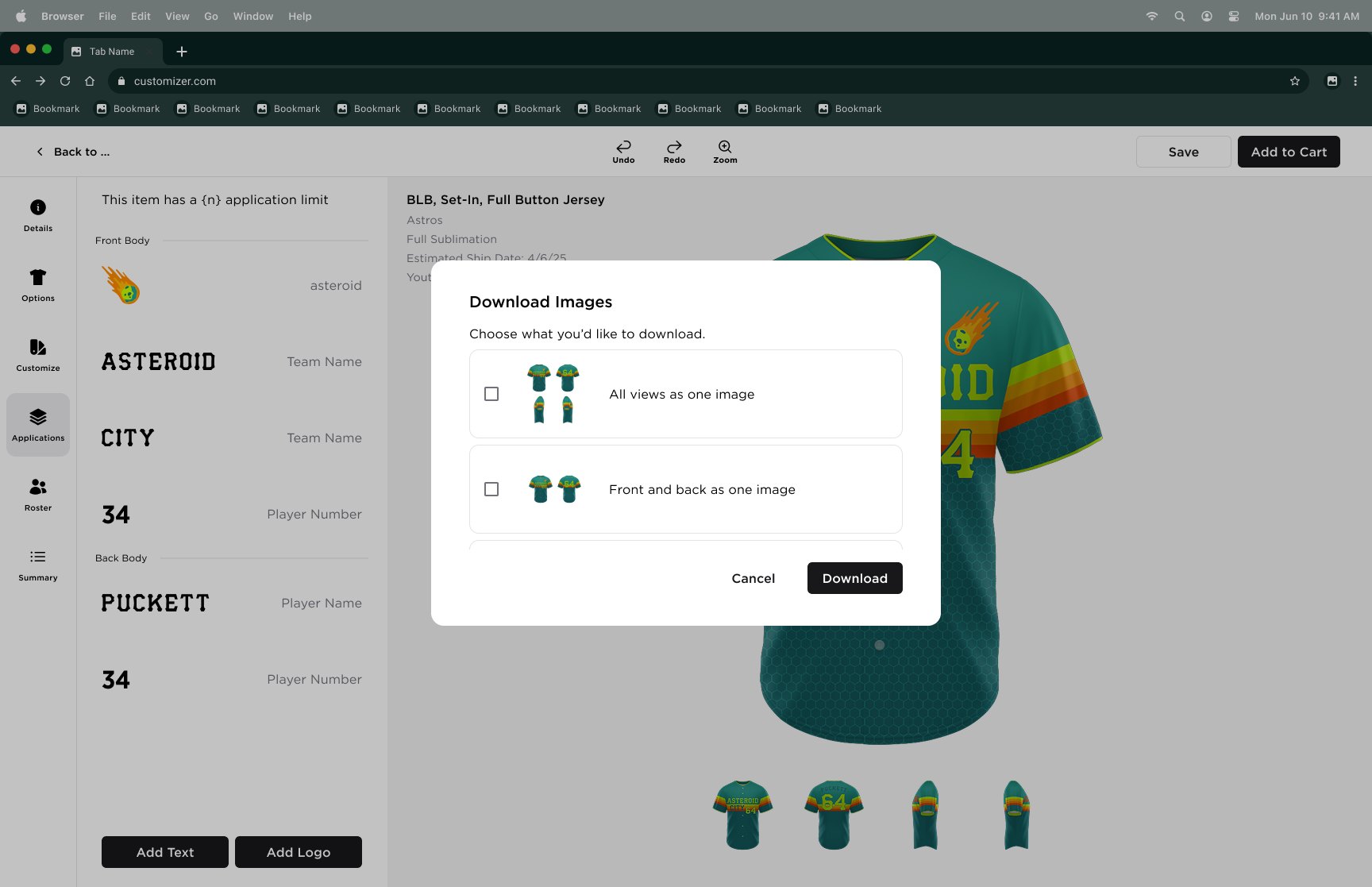
What it shows
When engineering capacity was committed elsewhere, I used AI-assisted development to design and build working tools, validated them with real users, and fed what we learned back into the core product.